


Update: Thunderdome 2015 has been released.
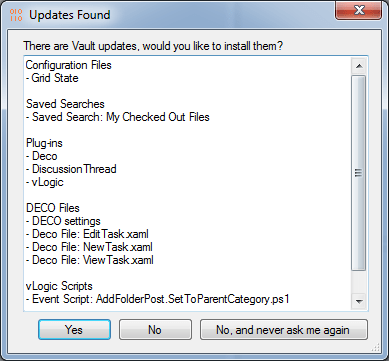
Wow. I can’t believe I’m on the 4th release of Thunderdome. They grow up so fast. If you are not familiar with the app, Project Thunderdome lets you deploy various Vault settings to all your Vault users. Settings include, shortcuts, saved searches, grid settings, DECO UI, and even Vault plug-ins.
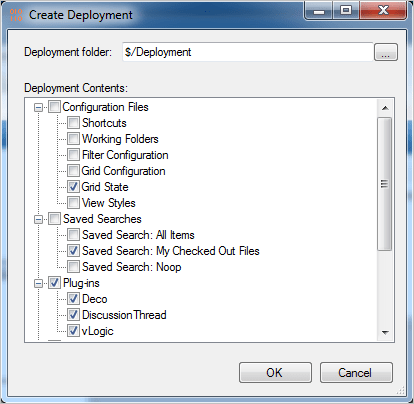
This time around I just ported the app to 2014 and didn’t add any new features. So have a look at the Thunderdome 2013 to get a feel of the full feature set. Looking over the 2013 comments, some people mentioned that the Grid State only applied to the main grid. I tested things out in 2014 and Grid State seems to also apply to the default tabs, such as History.
Requirements:
Vault Workgroup/Professional 2014
Click here to download application
Click here to download source
Click here for the 2013 version
As with all the samples on this site, the legal disclaimer applies.



Leave a Reply