

Change Orders have a feature where you can have a discussion threads on each object. I thought it would be neat if you could do the same thing with files and items. I also promised a sample app using Custom Entities, so here it is.

Features:
- Add discussion threads to existing items and files.
- Files and items can have multiple threads on a single object.
- Respond to postings and see the whole discussion history.
- Works even if the items and files are released.
- App will configure Vault when the admin first runs it. No need to manually create the custom object definition, UDP, etc.

Requirements:
- Vault Professional 2013
Click here to download the application
Click here to download the source code
To Use:
Run the install and start Vault Explorer as an administrator. You should be prompted to run a configuration. After the configuration is complete, restart Vault Explorer. You should now have the Discussion Thread custom object.
All users who want to make use of this app, should have the Custom Object Editor (Level 1) and Custom Object Manager (Level 1) roles.
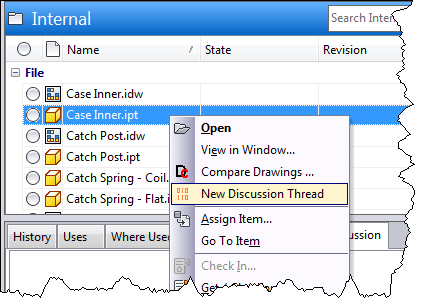
When you want to add a discussion to a file or item, select the object and right click. Select the New Discussion Thread command to create the new discussion.
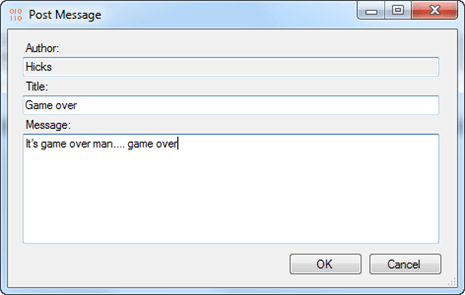
To respond to the thread, use the Discussion tab. Select the posting you want to respond to, and hit the Respond button in the tab.
As with all the samples on this site, the legal disclaimer applies.

Leave a Reply